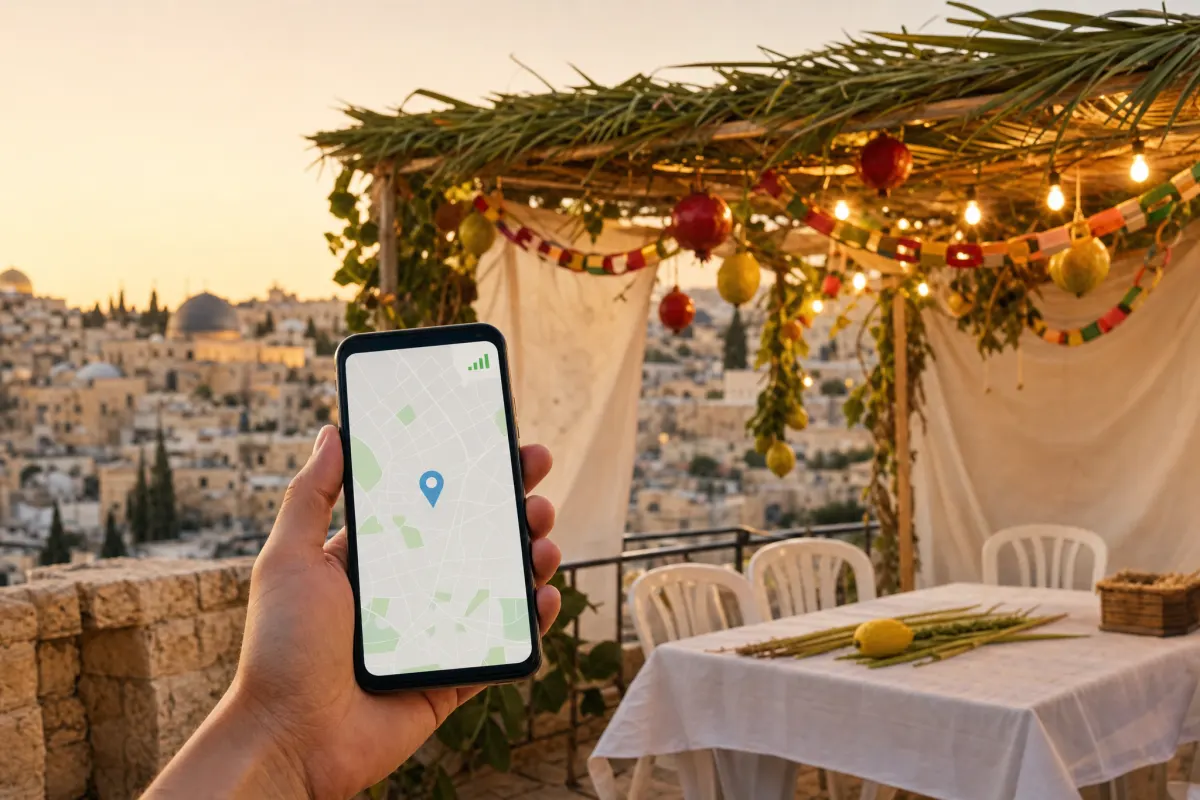

The moment you land at Ben Gurion (TLV), you'll want to order a taxi, message your host and open the map. With an eSIM installed before departure, you have data the second you switch off airplane mode, no airport SIM kiosk and no queue after a long flight.
Why set it up before you fly
- Passport control and baggage claim at TLV can be busy, and free airport Wi-Fi is slow and requires sign-in.
- Buying a SIM at a kiosk means queueing, swapping your SIM and losing your home number temporarily.
- An eSIM installed at home activates on arrival, so you walk out already online.
The 4-step arrival plan
- 1Before your flight: order a prepaid Israel eSIM and install the QR code on Wi-Fi.
- 2Set the eSIM to activate on your arrival date.
- 3On landing at TLV: turn off airplane mode and enable mobile data for the Israel line.
- 4Open Waze/Gett for a taxi or the train to Tel Aviv, and message home that you've arrived.
Getting into the city
With data on arrival you can compare the train (fast to Tel Aviv/Jerusalem), Gett taxi, and shared shuttles right from the terminal, instead of paying whatever the first driver quotes.
Keep your home SIM in the phone for calls on your own number, and let the Israel eSIM handle data. That's the smoothest possible arrival at Ben Gurion.
Frequently Asked Questions
Should I buy a SIM at Ben Gurion Airport?▾
There's no need. An eSIM installed before your flight gives you Israeli data the moment you land, without queueing at an airport kiosk.
Is there free Wi-Fi at Ben Gurion?▾
Yes, but it's slow and requires sign-in. An eSIM is far more reliable for ordering a taxi and navigating on arrival.
When should the eSIM activate?▾
Set it to activate on your arrival date so it's live the moment you land, without using data early.