Israel Airport eSIM: Get Connected at Ben Gurion
Skip the lines at Ben Gurion Airport. Get an Israel eSIM with 5G data and an optional local number. Instant QR code delivery for easy arrival in 2026.
Connectivity Upon Arrival at Ben Gurion Airport
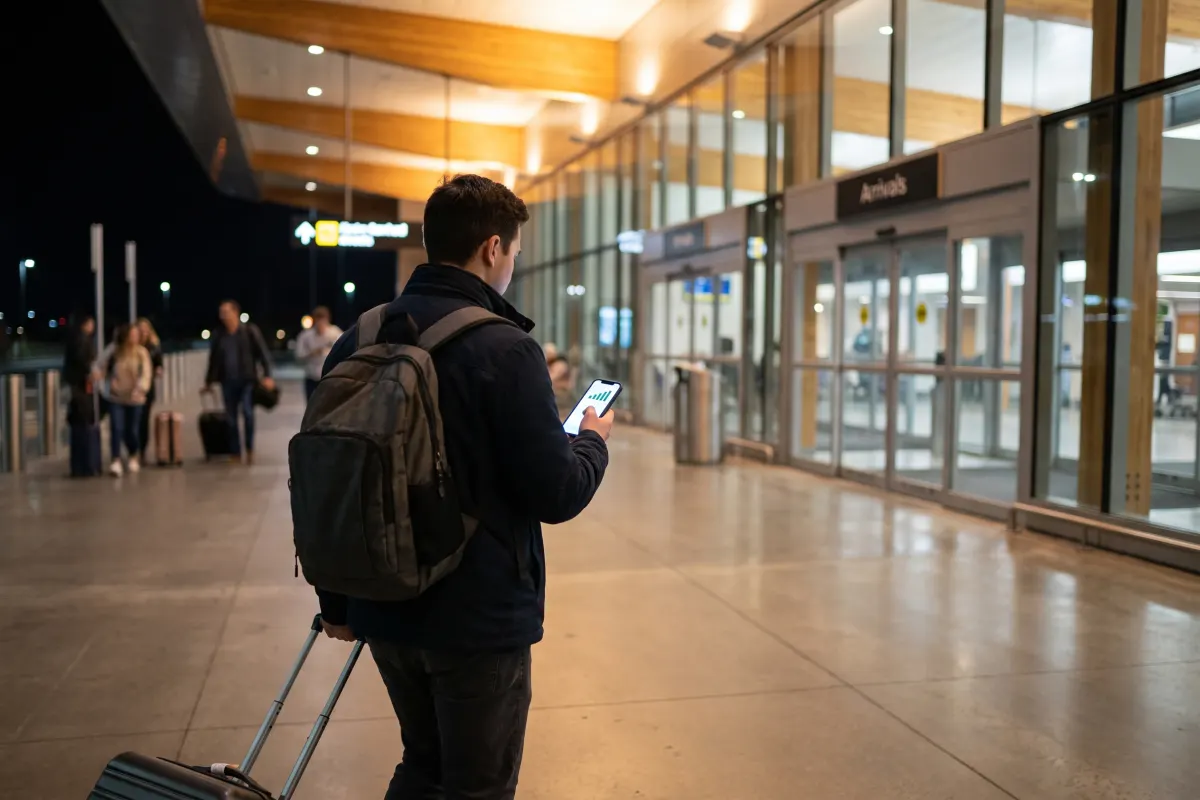
Landing at Ben Gurion Airport (TLV) marks the beginning of your journey in Israel. In 2026, the need for immediate, high-speed mobile data is non-negotiable. Whether you need to book a ride-share, navigate with GPS, or check in with family, having a functional data connection the moment your plane touches the tarmac is essential. While the airport offers public Wi-Fi, it can often be slow, congested, or require registration processes that are frustrating after a long flight.
Traditionally, travellers would head to arrivals and look for a physical SIM card kiosk. This often involves waiting in long queues, dealing with language barriers, and physically swapping out your home SIM card—a risky move that can lead to losing that tiny piece of plastic. The modern alternative is the eSIM, which allows you to bypass the airport kiosks entirely and connect to local Israeli networks instantly.
Getting ready for your trip to Israel?
Pick a plan that matches how long you are staying, and arrive already connected.
- from $28.99Choose
Basic · 20 GB
7 to 60 days
- from $34.99Choose
Medium · 50 GB
Most popular - from $44.99Choose
Pro · 100 GB
7 to 60 days
- Israeli number included
- eSIM by email in 2 minutes
- WhatsApp support
The Advantage of eSIM Over Airport Kiosks
Choosing an eSIM for your Israel trip offers several practical advantages over purchasing a physical SIM card at Ben Gurion Airport. By handling your connectivity needs digitally, you ensure a smoother transition from the plane to your destination.
- No Queues: Skip the busy mobile provider stands in the arrivals hall. There is no need to wait for a representative to register your passport or install a card.
- Instant Delivery: Your eSIM is delivered via a QR code directly to your email. You can purchase it while waiting for your luggage or even before you leave your home country.
- Keep Your Home Number: Because an eSIM is digital, it works alongside your existing physical SIM card. This dual-SIM functionality is crucial for receiving SMS authentication codes (OTPs) from your bank or keeping your WhatsApp active on your original number.
- No Physical Handling: You don’t need a SIM tool, and you don’t have to worry about where to store your home SIM card safely while you travel.
5G and 4G Network Coverage
Israel boasts one of the most advanced telecommunications infrastructures in the world. By using an eSIM, you gain immediate access to 5G and 4G networks. This ensures that even in crowded areas like the airport terminal or the train station at Ben Gurion, your data speeds remain consistent. For travellers heading into the diaspora or moving between major cities like Tel Aviv and Jerusalem, the handoff between cell towers is seamless.
How to Activate Your Israel eSIM at the Airport
The activation process for an Israel eSIM is designed to be completed in roughly two minutes. For the best experience, it is recommended to download the eSIM profile using the QR code before you land or while connected to the airport's free Wi-Fi.
Step-by-Step Installation
1. Check Compatibility: Ensure your device is eSIM compatible and carrier-unlocked. Most modern smartphones released since 2020 support this technology.
2. Scan the QR Code: Open your phone's cellular or mobile data settings and select "Add eSIM" or "Add Data Plan." Scan the QR code provided at the time of purchase.
3. Configure the APN: To ensure the data flows correctly on Israeli networks, you may need to set the Access Point Name (APN). For eSIM Israel, the APN is "internet". This simple step ensures you can access 5G/4G data without delay.
4. Label Your Lines: We recommend labelling your new line as "Israel" and your home line as "Primary." This helps you manage which line is used for data and which is used for calls.
Getting an Israeli Phone Number
While many travellers only require data for apps like Google Maps, Telegram, or Waze, having a local Israeli phone number can be a significant advantage. Some eSIM plans include an optional Israeli +972 number. This is particularly useful for:
- Receiving calls from local service providers or tour guides.
- Registering for local apps that may require an Israeli number for verification.
- Making local calls to restaurants or businesses without incurring international roaming charges.
By opting for a plan with a phone number, your smartphone effectively functions as a local device while maintaining your international connectivity.
Reliable Mobile Data for the Whole Trip
Once you leave Ben Gurion Airport, your eSIM continues to provide coverage across the country. From the high-tech hubs of Tel Aviv to the historic sites of the Galilee and the Negev desert, the 5G and 4G networks are robust. Because the eSIM connects directly to local Israeli carriers, you avoid the high costs of "travel SIMs" that route data through third countries, which often results in high latency (lag).
The flexibility of the eSIM means you can choose a data package that fits your specific itinerary. Whether you are in Israel for a three-day business trip or a month-long family visit, the digital nature of the service allows for easy management. There is no postal delivery and no physical waste; it is a 100% digital solution for the modern traveller in 2026.
Technical Support and Connectivity
If you encounter issues while at the airport, remember that the most common fix is ensuring the APN is set to "internet" and that Data Roaming is toggled "On" for the eSIM profile specifically. This allows the device to communicate with the local Israeli towers while you are on the move.