eSIM Israel Hotspot & Tethering Guide (2026)
Learn how to use hotspot tethering with your eSIM in Israel. Share 5G data across devices easily. Get instant QR code activation and use APN internet.
Sharing Your Connection: How Hotspot Tethering Works in Israel
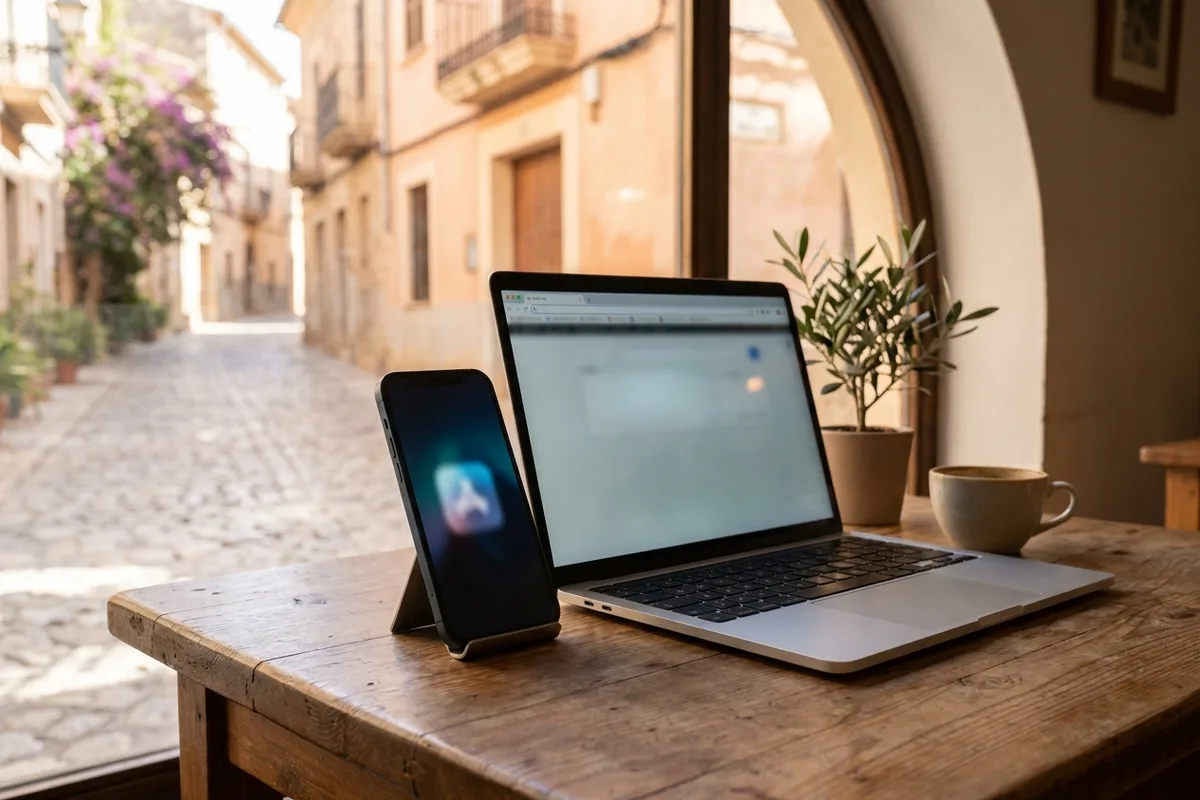
When traveling through Israel in 2026, staying connected is often about more than just your smartphone. Whether you need to jump on a video call from your laptop in a Tel Aviv café or share a data connection with family members while hiking in the Galilee, hotspot tethering is a vital feature. Unlike some restrictive local carriers, eSIM Israel provides full support for personal hotspots, allowing you to turn your smartphone into a portable Wi-Fi router using high-speed 5G and 4G networks.
The beauty of using an eSIM for tethering lies in its simplicity. Because there is no physical SIM card to swap, you can maintain your primary home line for essential SMS and calls (via dual-SIM technology) while routing all heavy data traffic—including tethered devices—through your local Israeli eSIM. This ensures you avoid roaming charges from your home provider while providing a robust internet connection to your tablet, laptop, or other mobile devices.
Getting ready for your trip to Israel?
Pick a plan that matches how long you are staying, and arrive already connected.
- from $28.99Choose
Basic · 20 GB
7 to 60 days
- from $34.99Choose
Medium · 50 GB
Most popular - from $44.99Choose
Pro · 100 GB
7 to 60 days
- Israeli number included
- eSIM by email in 2 minutes
- WhatsApp support
Technical Setup: The Importance of the APN
To ensure that hotspot tethering functions correctly on your device once you arrive in Israel, the most critical technical detail is the Access Point Name (APN). For all eSIM Israel plans, the APN is "internet". While many modern smartphones will automatically configure this setting upon activation, some devices require manual entry to enable tethering capabilities.
Configuring iOS for Hotspot
On an iPhone, if the "Personal Hotspot" option appears greyed out or asks you to contact your carrier, you may need to update the cellular data network settings. Navigate to Settings > Cellular > Cellular Data Network. Scroll down to the "Personal Hotspot" section and ensure that the APN field is filled with the word internet. Leave the username and password fields blank. Once saved, toggle your Airplane Mode on and off to refresh the connection.
Configuring Android for Tethering
Android users should navigate to Settings > Connections > Mobile Networks > Access Point Names. Select your eSIM profile and check the APN settings. Ensure the APN is set to internet. In some cases, you may also need to check the "APN Type" field; adding "dun" to the list of types (e.g., default,supl,dun) can sometimes help trigger tethering permissions on specific hardware models.
Why 5G Tethering Changes the Travel Experience
In 2026, Israel's 5G infrastructure has reached a level of maturity that makes mobile hotspots a viable alternative to public Wi-Fi. Public networks in hotels or airports can be congested and insecure. By using your own eSIM Israel hotspot, you are browsing on a private, encrypted connection. The 5G speeds provided by Israeli networks allow for seamless 4K streaming and low-latency gaming on tethered devices, which was previously difficult on older 4G-only connections.
Because delivery is handled instantly via a QR code, you can set up your connection as soon as you land at Ben Gurion Airport. Activation takes approximately two minutes, meaning your private Wi-Fi network is ready before you even reach the taxi stand or the train station. This is particularly useful for business travelers who need to sync emails or join a professional briefing immediately upon arrival.
Managing Your Data and Battery Life
While tethering is incredibly convenient, it is important to manage your device resources effectively. Sharing a 5G connection is more power-intensive than standard mobile browsing. To make the most of your eSIM Israel plan while tethering, consider the following practical tips:
- Use a Power Bank: Tethering drains your phone's battery faster because the radio is simultaneously receiving a cellular signal and transmitting a Wi-Fi signal.
- Monitor Background Sync: Laptops often treat a mobile hotspot as a standard Wi-Fi connection and may attempt to download large OS updates. Enable "Metered Connection" settings on your Windows or macOS device to prevent unexpected data consumption.
- Secure Your Hotspot: Always use a strong WPA2 or WPA3 password. Given the high speeds of 5G in Israel, an unsecured hotspot could allow others to consume your data allowance quickly.
Compatibility and Dual-SIM Advantages
The modern traveler no longer needs to carry a separate "Mi-Fi" puck or a second local phone. Most smartphones released in recent years support dual-SIM with eSIM technology. This means your phone can handle your domestic SIM and your Israeli eSIM simultaneously. You can set your phone to use the Israeli eSIM exclusively for data and hotspotting, while keeping your original number active for emergency calls from home.
This setup is particularly effective for the diaspora and frequent visitors. Since there is no postal delivery or physical SIM involved, you can purchase and install the eSIM from anywhere in the world, ensuring that your hotspot is ready the moment you touch down in the Holy Land. The transition is digital, instant, and eliminates the need to find a kiosk or handle small plastic cards.
Optimizing Connection Quality
If you experience slow speeds while tethering, remember that your phone's placement matters. To provide the best signal to your connected devices, place your phone near a window if you are indoors. Walls and electronic interference can degrade the 5G signal. If you find the Wi-Fi hotspot is dropping, you can also explore USB tethering (connecting your phone to your laptop via a cable), which is often more stable and uses less battery than a wireless hotspot.