所有 iPhone XR 及以上机型(2018 年起)均支持 eSIM。更新的机型(在美销售的 iPhone 14、15、16)仅支持 eSIM。以下教您在 2 分钟内安装并激活 eSIM Israel 套餐。
兼容的 iPhone 机型
- iPhone XR、XS、XS Max
- iPhone 11、11 Pro、11 Pro Max
- iPhone 12、12 mini、12 Pro、12 Pro Max
- iPhone 13、13 mini、13 Pro、13 Pro Max
- iPhone 14、14 Plus、14 Pro、14 Pro Max(美版仅 eSIM)
- iPhone 15、15 Plus、15 Pro、15 Pro Max
- iPhone 16、16 Plus、16 Pro、16 Pro Max
- iPhone SE(第 2、3 代)
分步安装
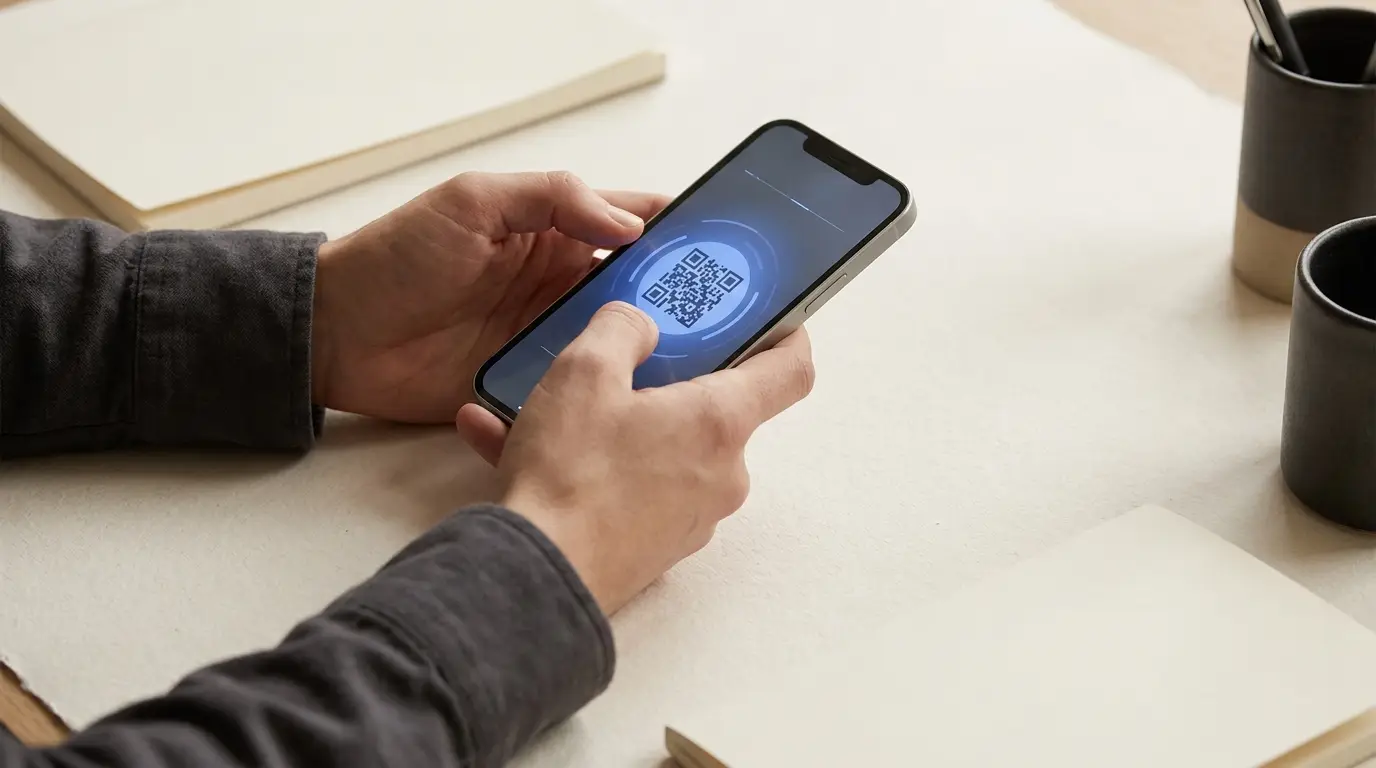
- 1在第二台设备(笔记本、平板)上打开含二维码的邮件 — 无法用同一部 iPhone 扫码
- 2在 iPhone 上进入 设置 → 蜂窝网络(或移动数据)
- 3点按「添加 eSIM」或「添加蜂窝套餐」
- 4选择「使用二维码」并用 iPhone 相机扫描
- 5等待 eSIM 激活(通常不到 30 秒)
- 6出现提示时,将套餐命名为「以色列」以便识别
- 7选择用于通话、信息和数据的主号码
在以色列为 iPhone 开启 5G
- 1进入 设置 → 蜂窝网络 → 蜂窝数据选项
- 2点按「语音与数据」,选择「5G 开」或「5G 自动」
- 3开启「数据漫游」(是的,即便是本地以色列 eSIM)
- 4检查信号 — 在特拉维夫、耶路撒冷、海法应看到信号旁显示「5G」
重要:开启数据漫游
尽管您的 eSIM 来自本地以色列运营商,iOS 有时会将其视为「外国」套餐,未开启数据漫游就会禁用数据。这是 eSIM 抵达后无法联网的头号原因。
常见问题排查
问题:安装后显示「无服务」
重启 iPhone。若仍无服务,进入 设置 → 蜂窝网络 → 点按您的以色列 eSIM →「开启此线路」。
问题:二维码无法扫描
确保二维码在第二块屏幕上完整显示且光线良好。若仍失败,改用手动激活:设置 → 蜂窝网络 →「使用二维码」→「手动输入详情」,从邮件复制 SM-DP+ 地址和激活码。
问题:数据速度慢
开关一次飞行模式,或重启手机。若问题持续,在 设置 → 蜂窝网络 中将主线路切换为以色列 eSIM。
常见问题
我能在抵达以色列前安装 eSIM 吗?▾
能,但到以色列前别激活 — 激活会开始计算套餐时长(针对旅行套餐)。
我的 iPhone 能存多少个 eSIM?▾
iPhone 13 及以上最多可存 8 个 eSIM,但同时只能启用 2 个。
我的 iPhone 在以色列能用 5G 吗?▾
iPhone 12 及以上可以。所有以色列运营商(Cellcom、Partner、Pelephone)都运营 5G 网络。