Todos los iPhone desde el XR (lanzado en 2018) admiten eSIM. Los modelos más nuevos (iPhone 14, 15, 16 vendidos en EE. UU.) son solo eSIM. Así se instala y activa su plan eSIM Israel en menos de 2 minutos.
Modelos de iPhone compatibles
- iPhone XR, XS, XS Max
- iPhone 11, 11 Pro, 11 Pro Max
- iPhone 12, 12 mini, 12 Pro, 12 Pro Max
- iPhone 13, 13 mini, 13 Pro, 13 Pro Max
- iPhone 14, 14 Plus, 14 Pro, 14 Pro Max (los modelos de EE. UU. son solo eSIM)
- iPhone 15, 15 Plus, 15 Pro, 15 Pro Max
- iPhone 16, 16 Plus, 16 Pro, 16 Pro Max
- iPhone SE (2.ª y 3.ª generación)
¿No sabes si tu móvil admite eSIM?
Comprueba tu modelo exacto en un clic y luego elige el plan adecuado.
Comprobar mi móvilInstalación paso a paso
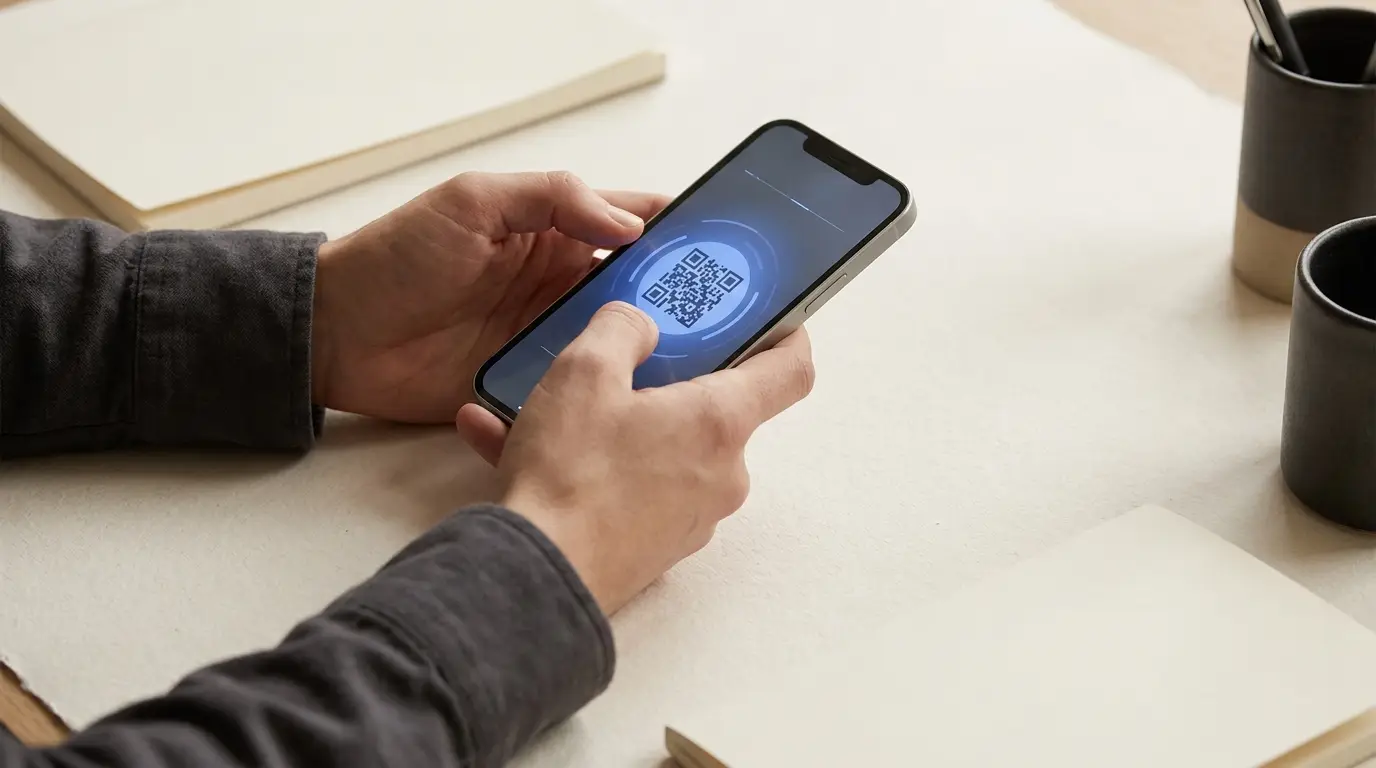
- 1Abra el correo con su código QR en un segundo dispositivo (portátil, tablet) — no se puede escanear un QR desde el mismo iPhone
- 2En su iPhone, vaya a Ajustes → Datos móviles
- 3Toque «Añadir eSIM» o «Añadir plan de datos»
- 4Elija «Usar código QR» y escanee el código con la cámara del iPhone
- 5Espere a que la eSIM se active (normalmente menos de 30 segundos)
- 6Cuando se lo pida, etiquete el plan como «Israel» para identificarlo fácilmente
- 7Elija su línea principal para llamadas, mensajes y datos
Activar la 5G en iPhone en Israel
- 1Vaya a Ajustes → Datos móviles → Opciones de datos móviles
- 2Toque «Voz y datos» y seleccione «5G activado» o «5G automático»
- 3Active «Datos en itinerancia» (sí, incluso con una eSIM israelí local)
- 4Compruebe la señal — debería ver «5G» junto a las barras en Tel Aviv, Jerusalén, Haifa
Importante: active los datos en itinerancia
Aunque su eSIM sea de un operador israelí local, iOS a veces la trata como un plan «extranjero» y desactiva los datos si no están activados los datos en itinerancia. Esta es la razón n.º 1 por la que las eSIM no conectan al llegar.
Solución de problemas comunes
Problema: «Sin servicio» tras la instalación
Reinicie su iPhone. Si sigue sin servicio, vaya a Ajustes → Datos móviles → toque su eSIM Israel → «Activar esta línea».
Problema: el código QR no se escanea
Asegúrese de que el código QR se ve completo en la segunda pantalla con buena iluminación. Si sigue fallando, use la activación manual: Ajustes → Datos móviles → «Usar código QR» → «Introducir datos manualmente» y copie la dirección SM-DP+ y el código de activación de su correo.
Problema: velocidad de datos lenta
Active y desactive el modo Avión, o reinicie el teléfono. Si el problema persiste, cambie su línea principal a la eSIM Israel en Ajustes → Datos móviles.